Q Series: Care and Maintenance

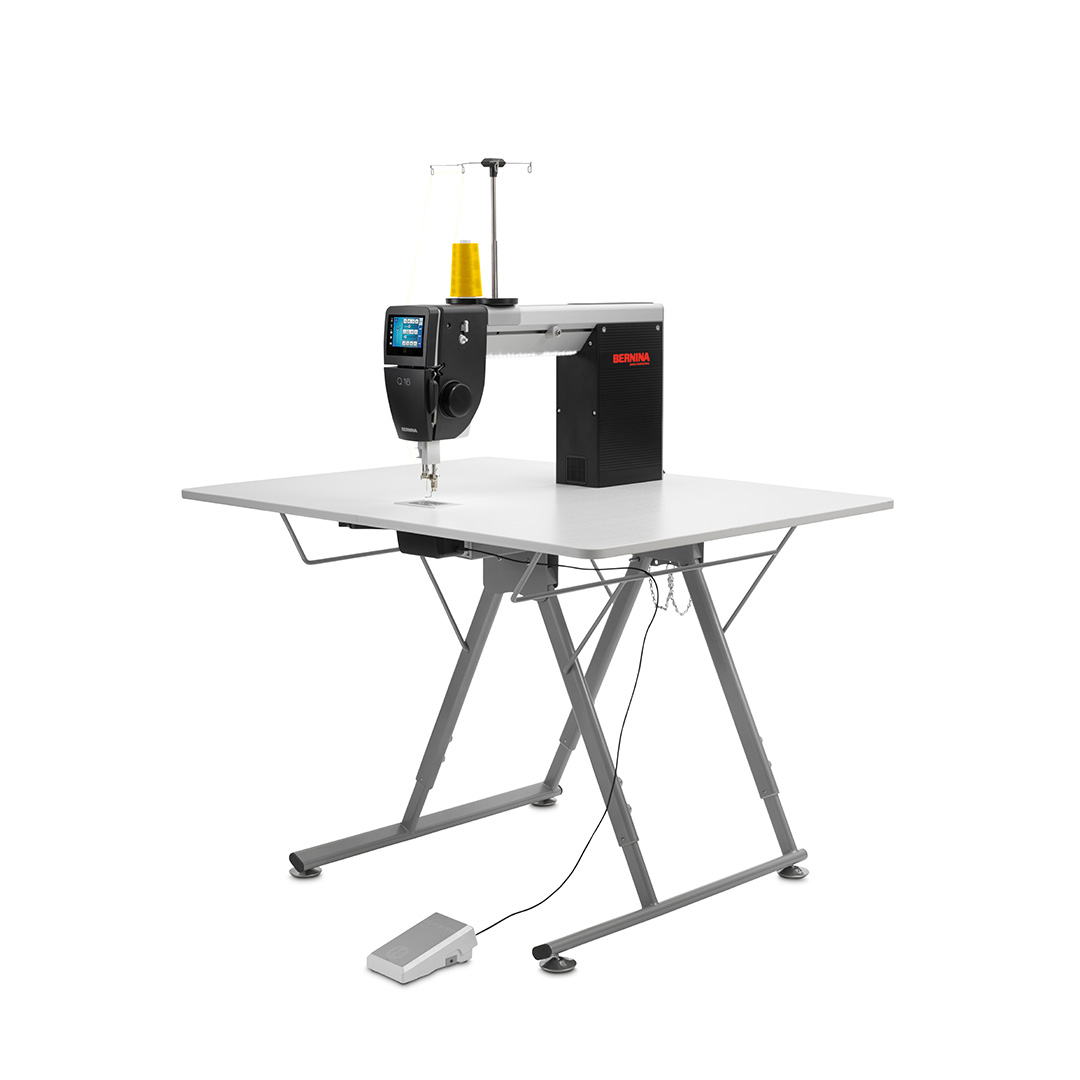
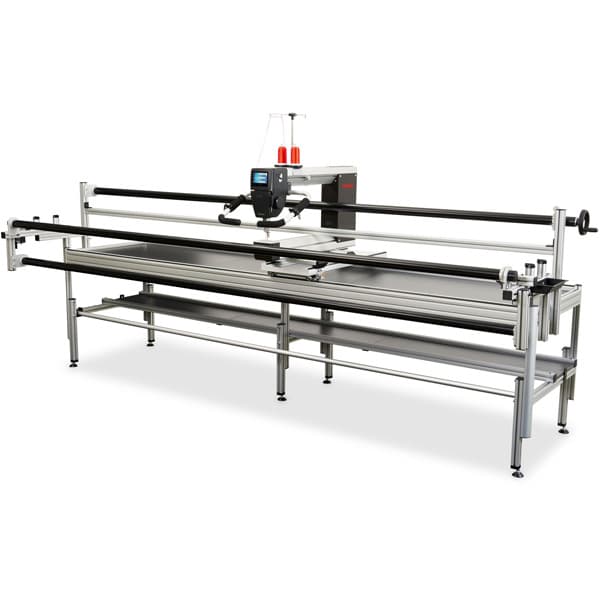
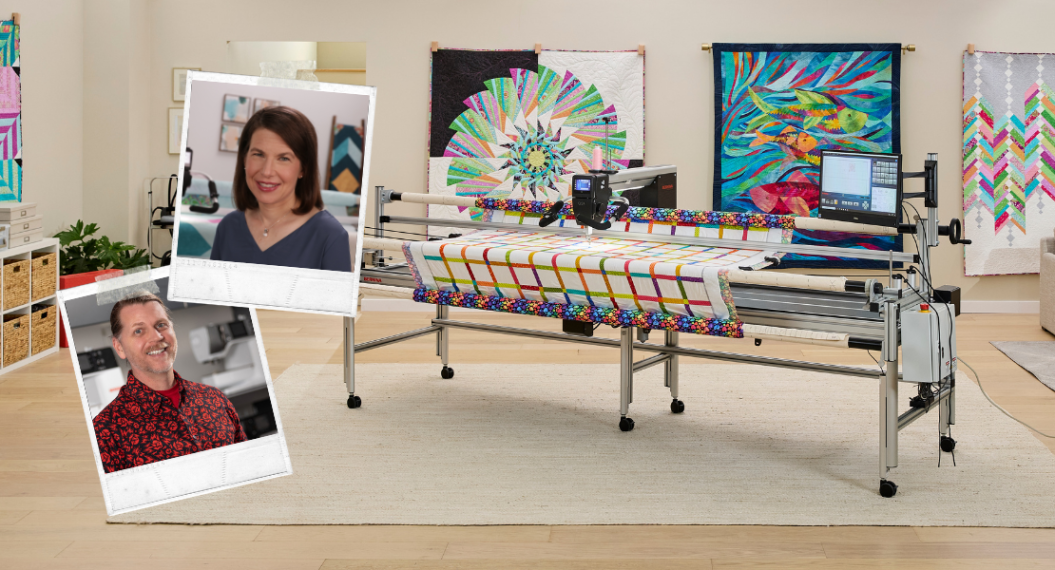
Proper care and maintenance of your BERNINA Q Series Sewhead and its accompanying table or frame are important for optimal function and longevity. There are a few easy steps you need to routinely follow to achieve this goal.
For additional care and maintenance instructions, always consult the owner’s manual for the specific system you own. The BERNINA Q Series Care & Maintenance eBook is available as a PDF download. The step-by-step instructions it contains are a great resource to keep handy.
Materials for Q Series: Care and Maintenance
- Q Series Sewhead on a table or frame
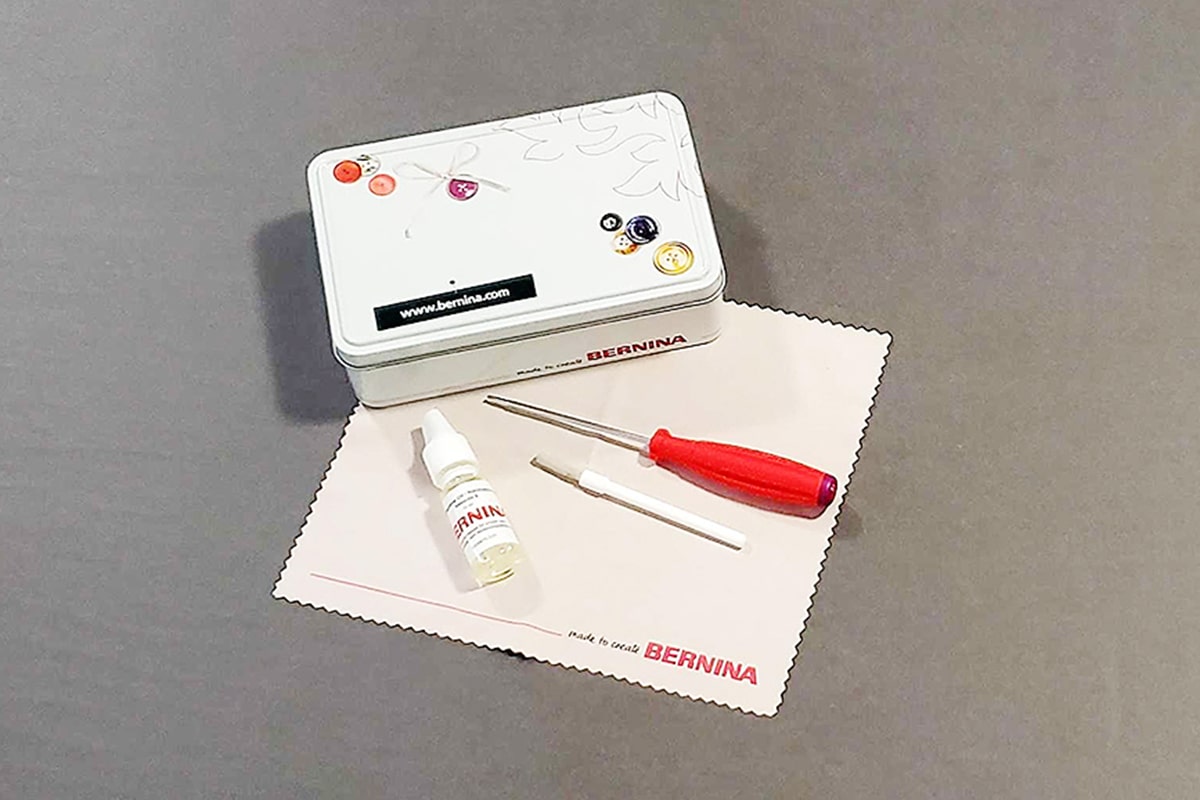
- Cleaning tools that are provided with the Sewhead: microfiber cleaning cloth, brush, oil bottle, and needle changing tool
- USB Stick
- Allen wrenches provided with your BERNINA frame system
- Bubble level
- Microfiber Cleaning Cloth
Step 1: Cleaning and Oiling the Sewhead
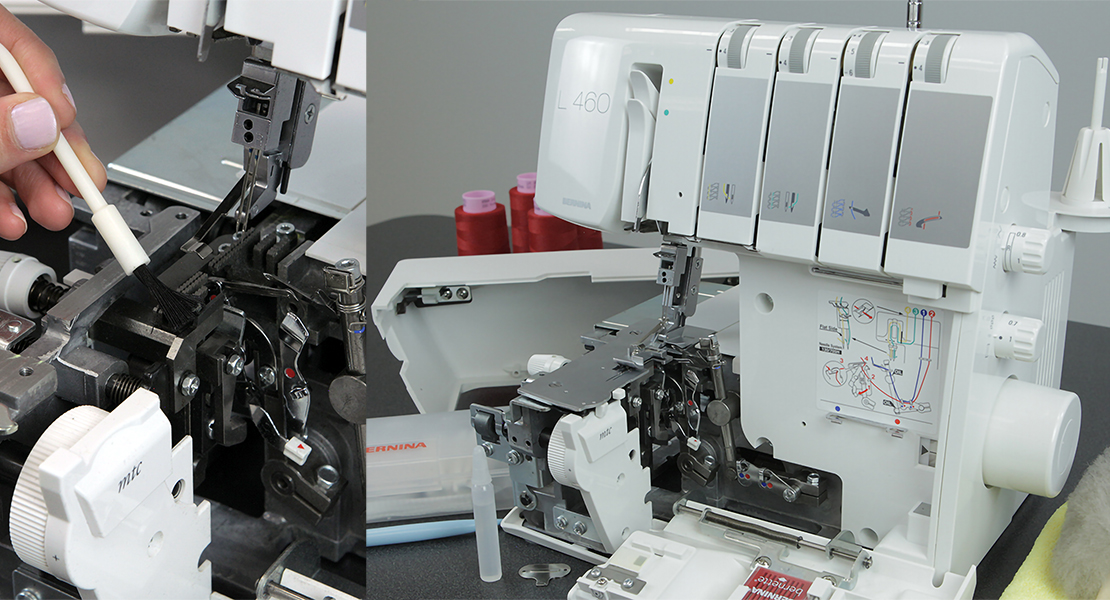
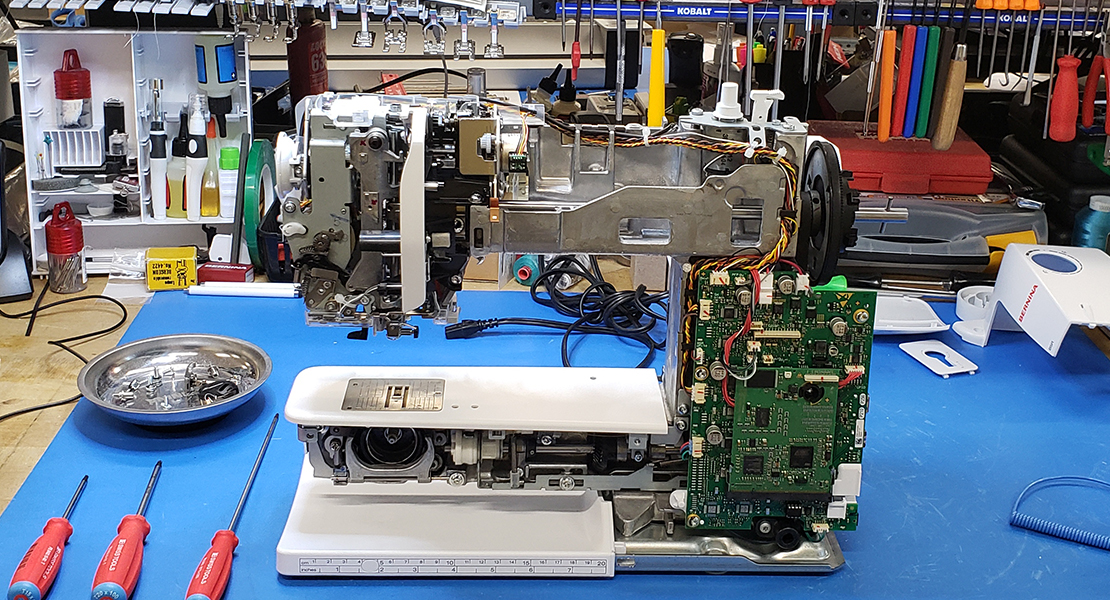
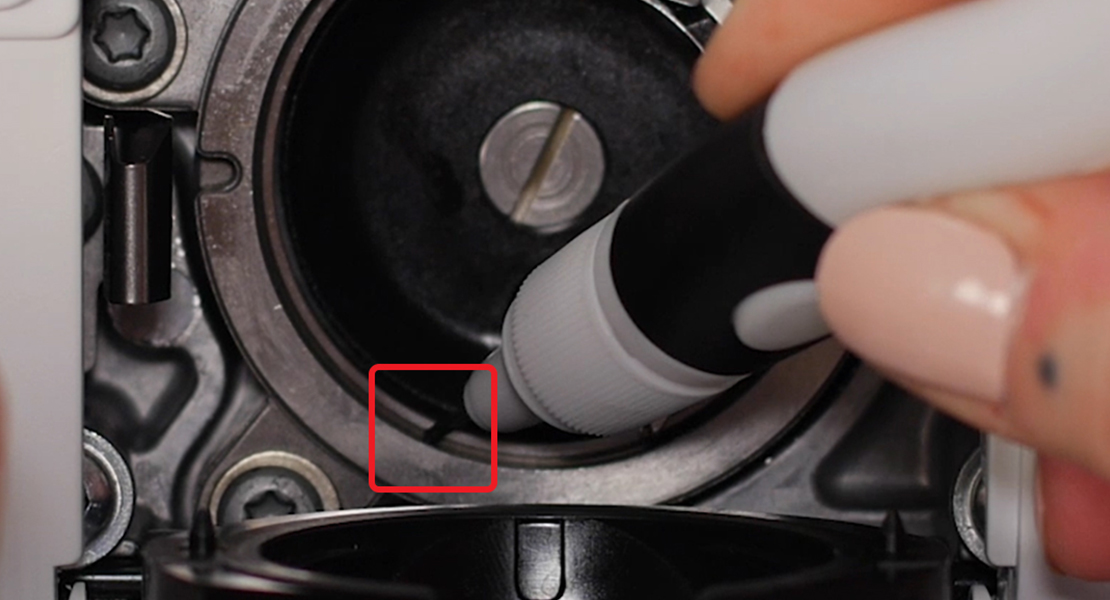
The single most important step is cleaning and oiling your machine before each quilting session. Regardless of whether it is in the morning, afternoon, or after the kids are tucked into bed, take the time to brush out any lint and place a drop of oil on the ridge.
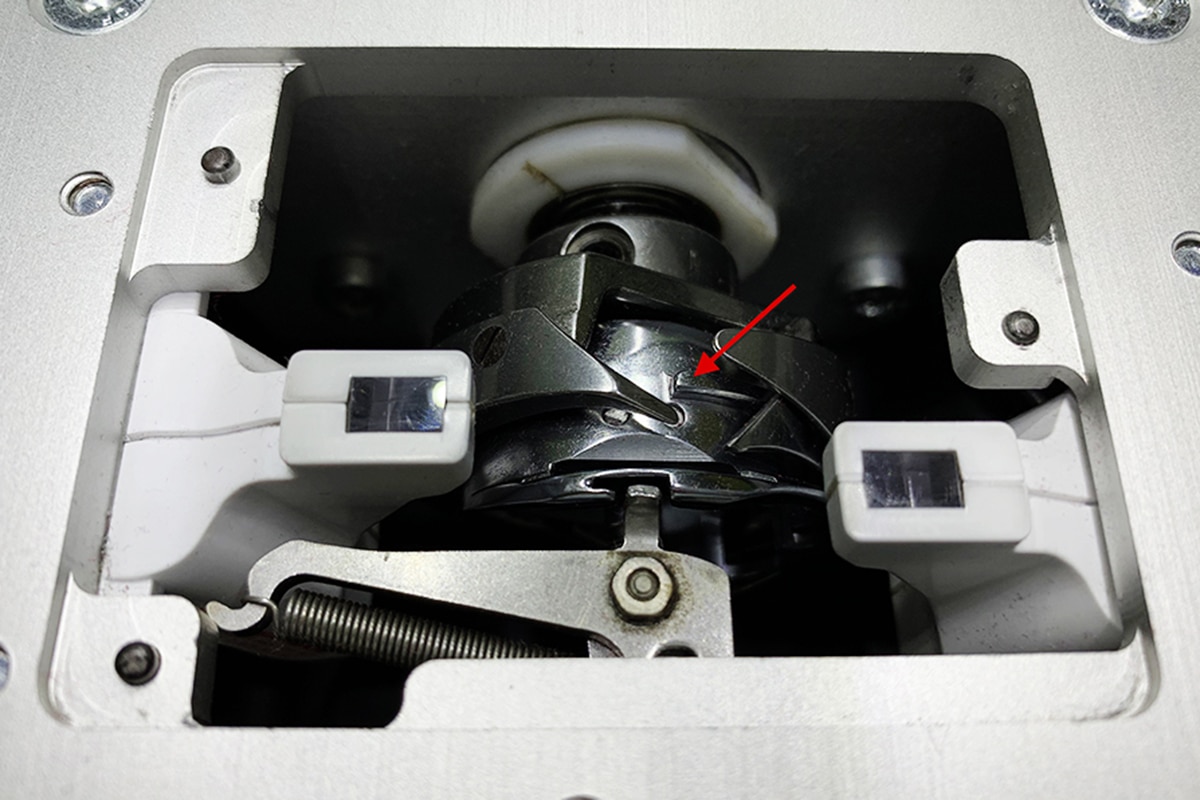
If you are having a power quilting day, then repeat this process a couple of times during the day. Some thread gives off more lint than others, so it’s wise to double-check and clear out any lint buildup on a regular basis.
Step 2: Updating the Sewhead and Computer
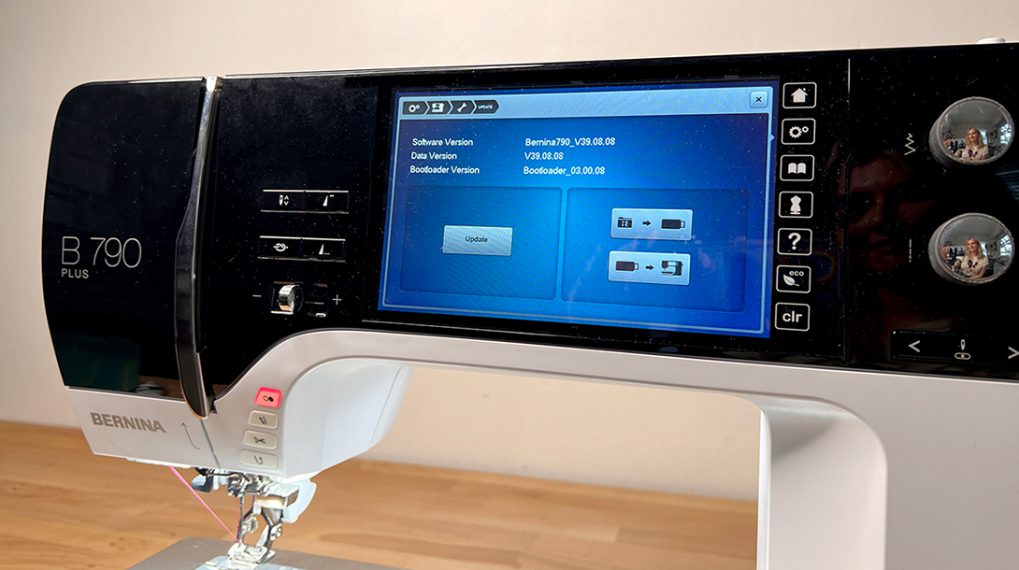
Periodically, BERNINA will release a firmware update for your Sewhead. These updates help the machine perform optimally and are available free of charge on BERNINA’s website, www.bernina.com.
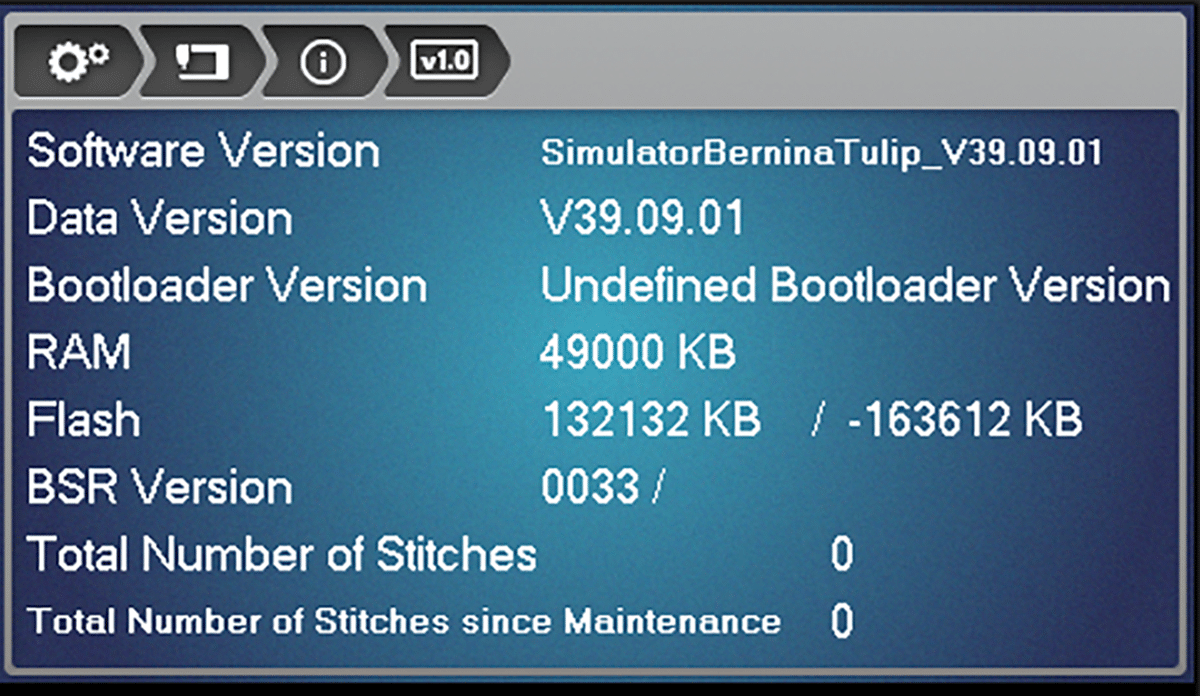
Using a USB stick, download the firmware and transfer it to your Sewhead.
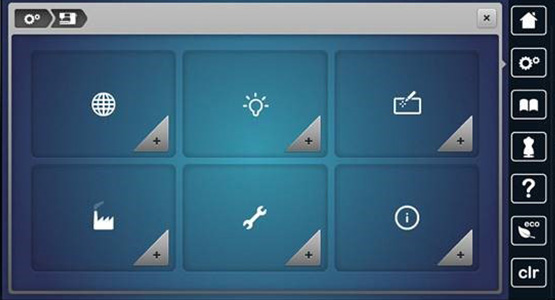
Periodically, the Sewhead Touch Screen will be less responsive to touch. When that happens, it is time to calibrate it. From the Home screen, select Setup Program > Machine Settings > Calibrate Screen Icon. Select which screen you wish to calibrate. If you have installed a pantograph kit, you will have both a front and rear screen; otherwise, you will just have a front screen available for selection. Simply follow the on-screen instructions and tap each cross as it is displayed.
Q-matic users will want to update both Dell and Windows firmware regularly, as well as any software updates released by BERNINA.
Step 3: Maintaining Frame or Table
It is important to dust and clean your frame and/or table regularly. Quilting can be messy with fabric and batting scraps, lint, and thread tails. A damp microfiber cleaning cloth works well to wipe down all the surfaces. Avoid using any type of abrasive cleaner that could damage the finish.
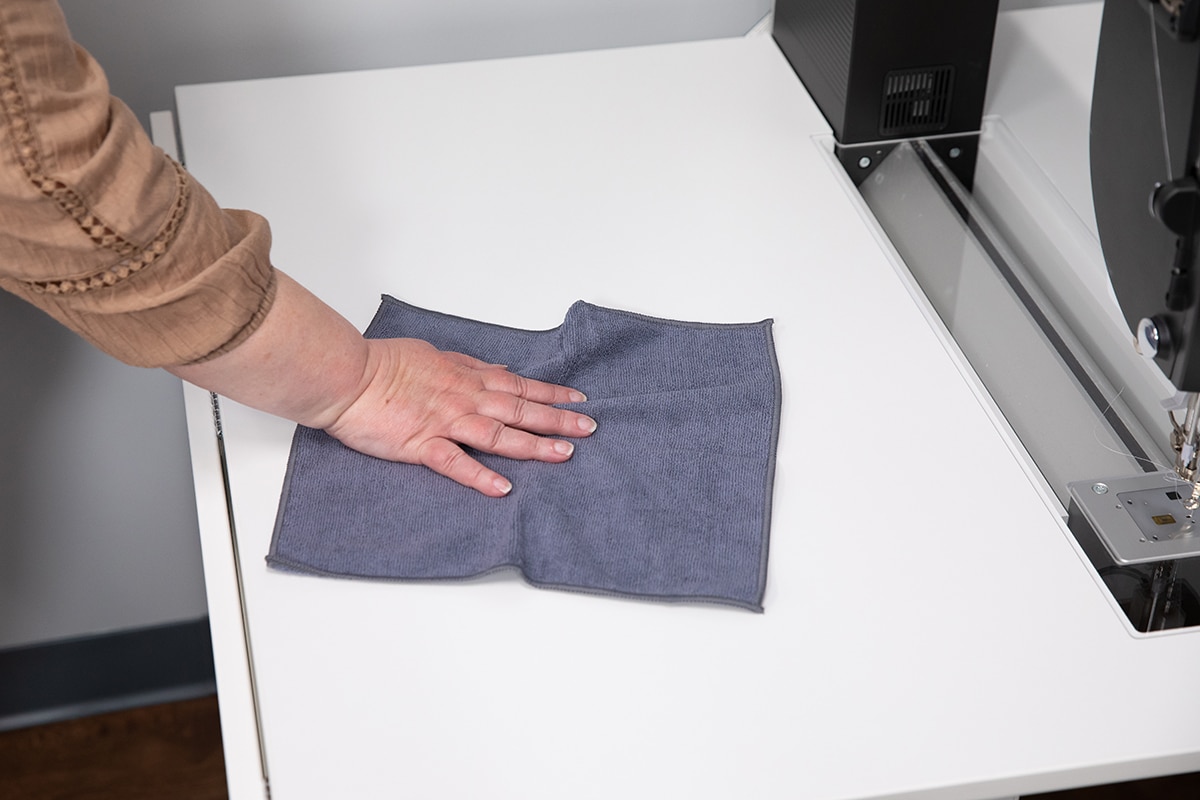
If you have a frame, spend a little extra time cleaning the tracks and the wheels. Using the damp cloth, specially wipe them clean of any sticky residue.
Periodically check the tightness of the screws holding the frame or table together. The vibration from quilting could cause them to loosen.
If you move your frame around the room on casters or furniture gliders, check the levelness after moving. A telltale sign that the frame is not level is when the Sewhead drifts or moves on its own.
By properly caring for and maintaining your longarm and accessories, you’re ensuring that they continue to work hard for you for many years to come.