
Used Products
What you might also like
0 comments on “”
-
-
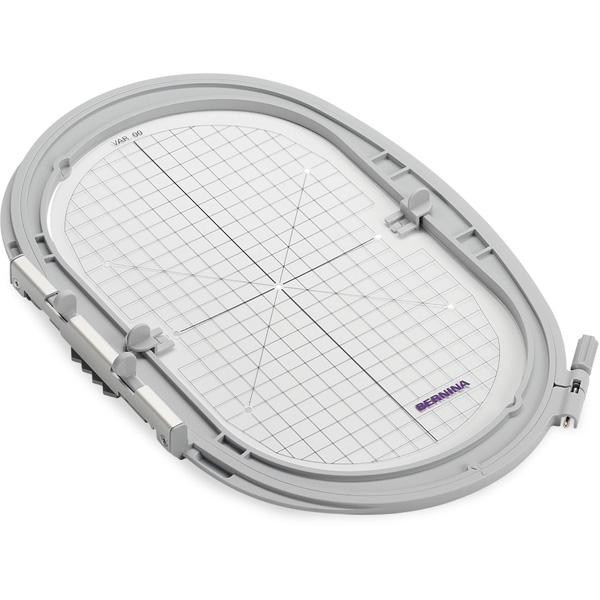
What size hoop is required for the larger bandana?
-
You will need the Maxi hoop (or Jumbo) to fit the large bandana size.
-
-
I have 2 Berninas but they don’t have embroidery capabilities. I would like to make these for rescue groups. Could someone note the sizes so I can make patterns?
-
Here are the dimensions for the fabric pieces:
* The overall size of the regular bandana is 5 inches wide by 7 inches tall
* The rectangular area is 5 inches wide by 3 inches tall
* The triangular area is 5 inches wide by 4 inches tall
Note: the fabric is cut as a single piece.Use a 1/4 inch seam allowance for the construction, leaving an opening at the top (as wide as possible) to turn the bandana right side out
Trim the seam allowances in the corners to produce a sharper shape in the finished bandana
-
-
For the LARGE size: Can I use the midi hoop to make LARGE size in the 570 machine?
-
The large size bandana as is fits into the Maxi hoop, which won’t fit on your 570. However, if you open the ‘Large’ version file in the embroidery software you can make it just a bit narrower and it will fit in a Mega Hoop, which works well with your machine.
If you don’t have embroidery software, you can download and install the free ARTlink embroidery software at bernina.com/ARTlink. It will let you rescale and rotate designs, in addition to printing out templates when you need one.
-
-
I loe this! Would like to change the words to a name – how do I do that? thanks!
-
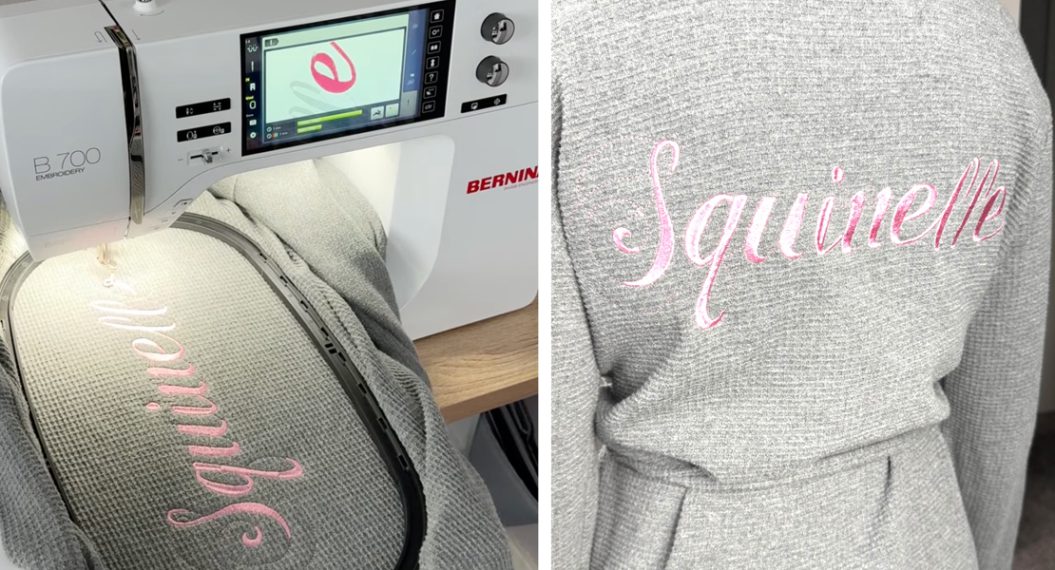
To edit words you need to have embroidery software and the (supplied) original ART file. This can be done with either BERNINA Embroidery Software 7, 8 or 9. In version 9, you can do this with either the Creator or the DesignerPlus level.
you can find out more about the BERNINA Embroidery Software 9 and download a free 30-days evaluation copy at:
https://www.bernina.com/en-US/Software-US/Embroidery-Software/BERNINA-Embroidery-Software-9
-
-
Nice idea. I’ll make some for shelters in the area and one for my “Buddy Boo”. He’s our 6 yo toy poodle. He deserves one too. I liked the wording on the cat sample shown. Buddy has never been told he’s not human.
-
Hello Sylvain,
Is it possible to have this file in PES format please?
Kind regards,
Janine
-
You can convert the files to PES using the free ARTlink embroidery software.
The free software can be downloaded at:
https://www.bernina.com/en-US/ARTlink-
Thanks for your reply Sylvain. I downloaded the software onto my Mac, but it won’t open. It says the unarchiver can’t open it.
-
-
Note that the software is Windows(tm) based and requires a Windows emulator to install. It is possible the installer file got corrupted while downloading. You may want to delete the first download and try again. If it still doesn’t work, you can open a support request at http://www.bernina.com/help
-
The link for the bandana for a larger dog goes to the “design x3 for jumbo hoop”. Could you please give me the link for the larger dog file? Thank you
-
Hello! You can find the download here. The link has been updated in the post as well. Thank you and happy stitching!
-
Sorry but it is still going to “design x3 for jumbo hoop”. I copied your “download here” link and this is it https://dhoubxhx.top/wp-content/uploads/sites/4/2020/03/Adopt-Me-In-the-Hoop-design-x3-for-Jumbo-Hoop-1.zip
-
Hello! Thank you for letting us know. Please try this download link: https://dhoubxhx.top/wp-content/uploads/sites/4/2020/03/Adopt-Me-In-the-Hoop-design-files-in-ART-and-EXP-format.zip All of the files should be available in this download. Happy stitching!
-
-
-
-
Thank you so much for these wonderful designs.
Leave a Reply
You must be logged in to post a comment.
What a great idea. This is going to keep me busy for some time. I don’t have a cat but I’ll make the bandana for a friend of mine. Thanks!